> For the complete documentation index, see [llms.txt](https://tegro.gitbook.io/en/llms.txt). Markdown versions of documentation pages are available by appending `.md` to page URLs; this page is available as [Markdown](https://tegro.gitbook.io/en/tegro-wallet/getting-started/asset-management/adding-tokens-to-tegro-wallet.md).

# Adding tokens to Tegro Wallet

In the Tegro Wallet, you can add ready-made tokens from the list, or select a custom token

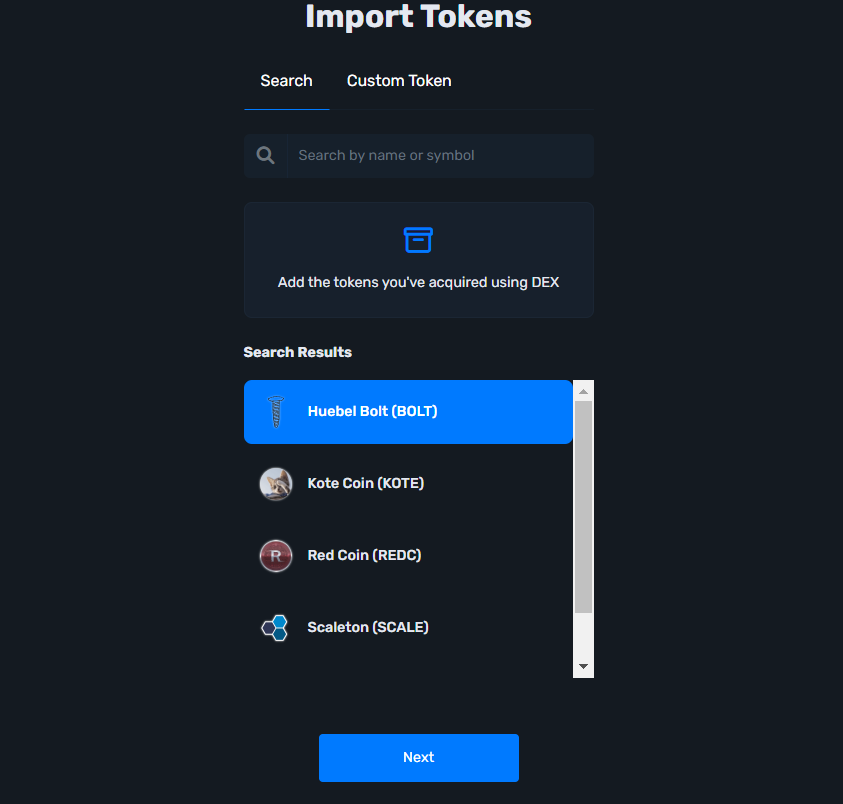
## Adding tokens from a common list

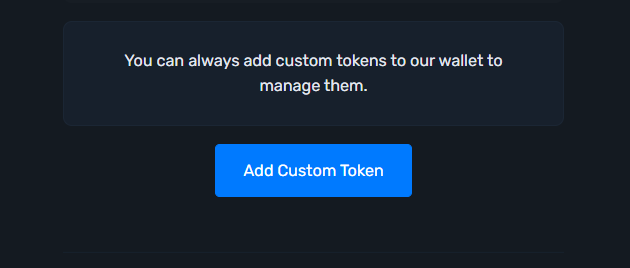
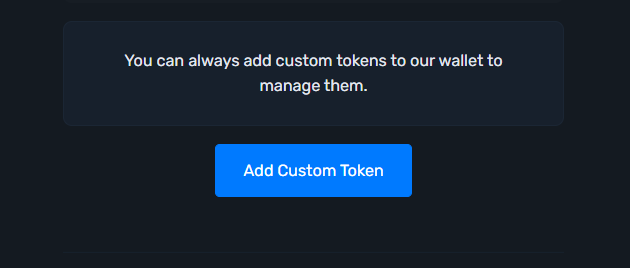
1. Click "Add Custom Token".
2. You can search for the desired token or select from a list. Click "Next" when you have finished your selection.
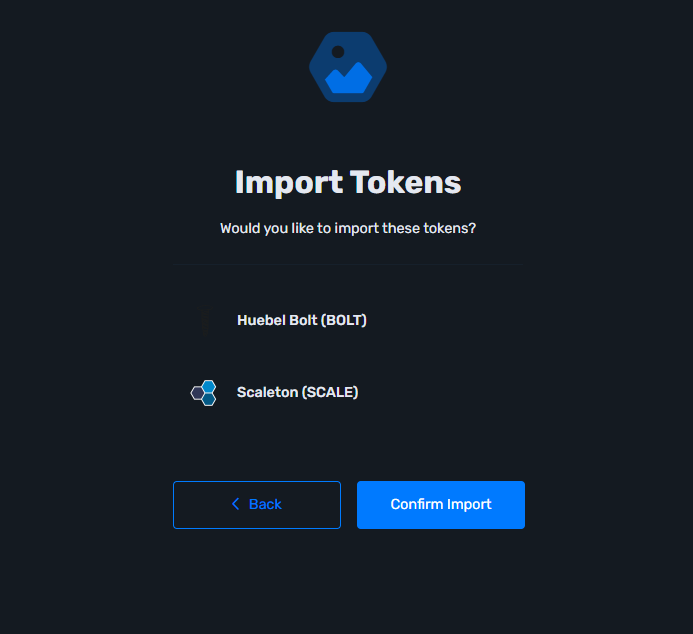
3. Confirm that you want to import tokens into your wallet, click "Confirm Import".

<figure><img src="https://1018586878-files.gitbook.io/~/files/v0/b/gitbook-x-prod.appspot.com/o/spaces%2FJcAs2O12jUZ6UQWgv6LS%2Fuploads%2Fgit-blob-f490fe1d562b1fb5bec6c6e478f25538d35bbda7%2Fimage%20(79).png?alt=media" alt=""><figcaption></figcaption></figure>

<figure><img src="https://1018586878-files.gitbook.io/~/files/v0/b/gitbook-x-prod.appspot.com/o/spaces%2FJcAs2O12jUZ6UQWgv6LS%2Fuploads%2Fgit-blob-450e6c27b7f45b1ef6a0369b5d880429a19243da%2Fimage%20(18).png?alt=media" alt=""><figcaption></figcaption></figure>

<figure><img src="https://1018586878-files.gitbook.io/~/files/v0/b/gitbook-x-prod.appspot.com/o/spaces%2FJcAs2O12jUZ6UQWgv6LS%2Fuploads%2Fgit-blob-e27ade44f21217d8beb4ca95ddea70748a1ad36f%2Fimage%20(76).png?alt=media" alt=""><figcaption></figcaption></figure>

## Adding custom tokens

1. Click "Add Token".
2. Select "User token".
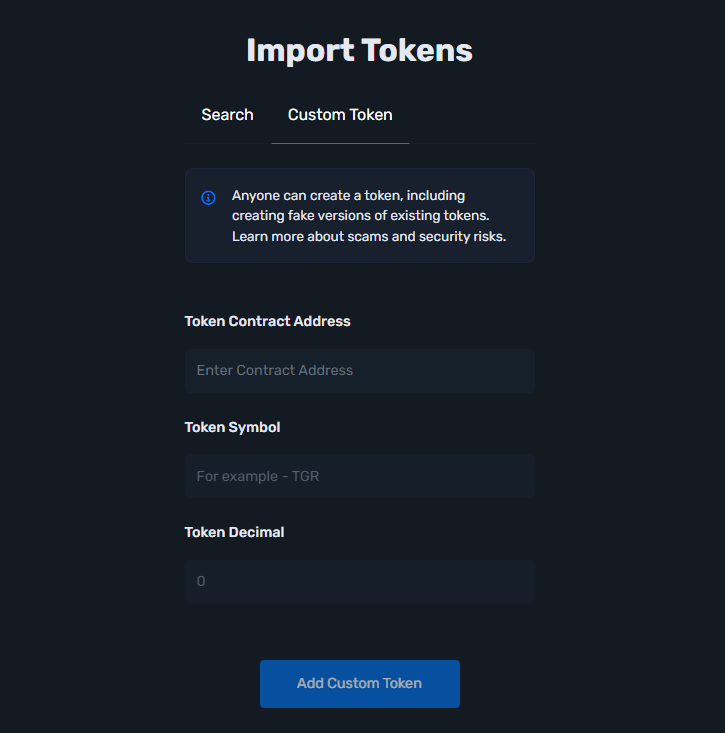
3. Enter the contract address, the token symbol and the number of decimal places, then click "Add Token"
<figure><img src="https://1018586878-files.gitbook.io/~/files/v0/b/gitbook-x-prod.appspot.com/o/spaces%2FJcAs2O12jUZ6UQWgv6LS%2Fuploads%2Fgit-blob-29cb4c5ad9dc2772d0b1605777cbf30206f40f90%2Fimage%20(20).png?alt=media" alt=""><figcaption></figcaption></figure>

<figure><img src="https://1018586878-files.gitbook.io/~/files/v0/b/gitbook-x-prod.appspot.com/o/spaces%2FJcAs2O12jUZ6UQWgv6LS%2Fuploads%2Fgit-blob-a4bcf967e79a921fdea5f2ca114c7584bcde2bbe%2Fimage%20(58).png?alt=media" alt=""><figcaption></figcaption></figure>